Help · Guide 8 of 8
Export and print for students
Download the documents, print the student copies, load the course into Canvas.
5 minutes
Watch it
Step 1: Open Export
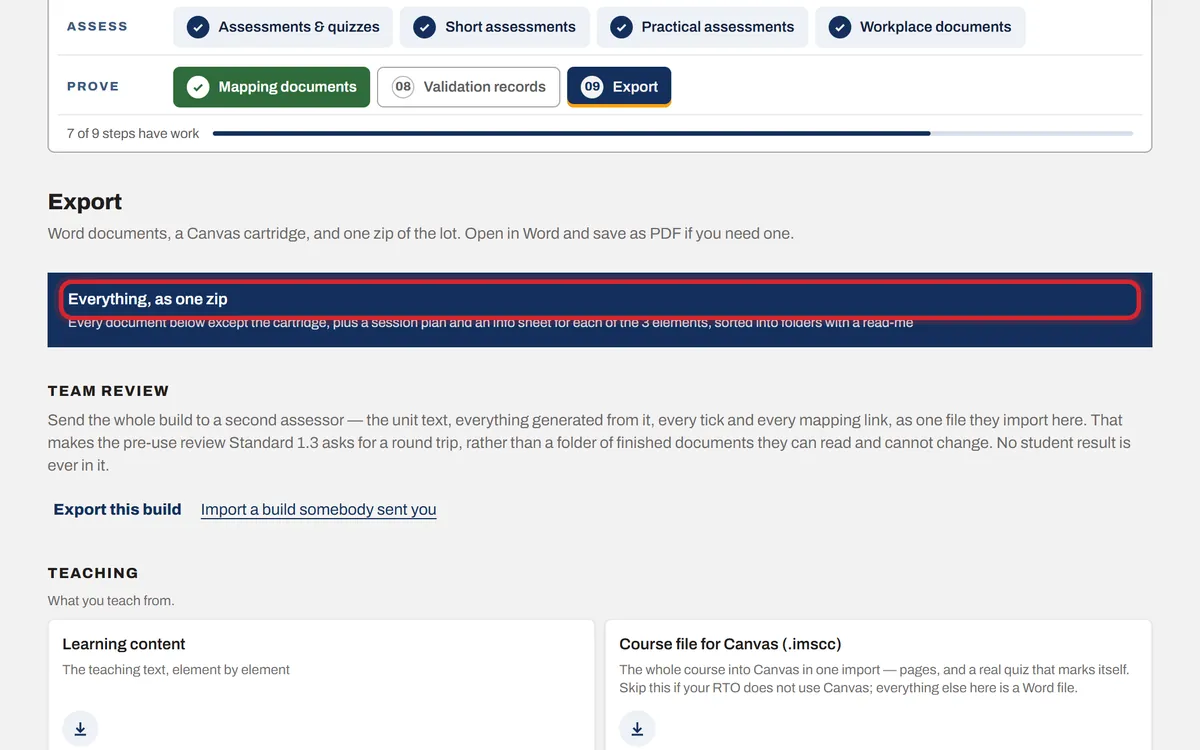
Step 09 lists every document the unit makes. Press Everything, as one zip to get the lot, or download one at a time.
Step 2: What to hand to students
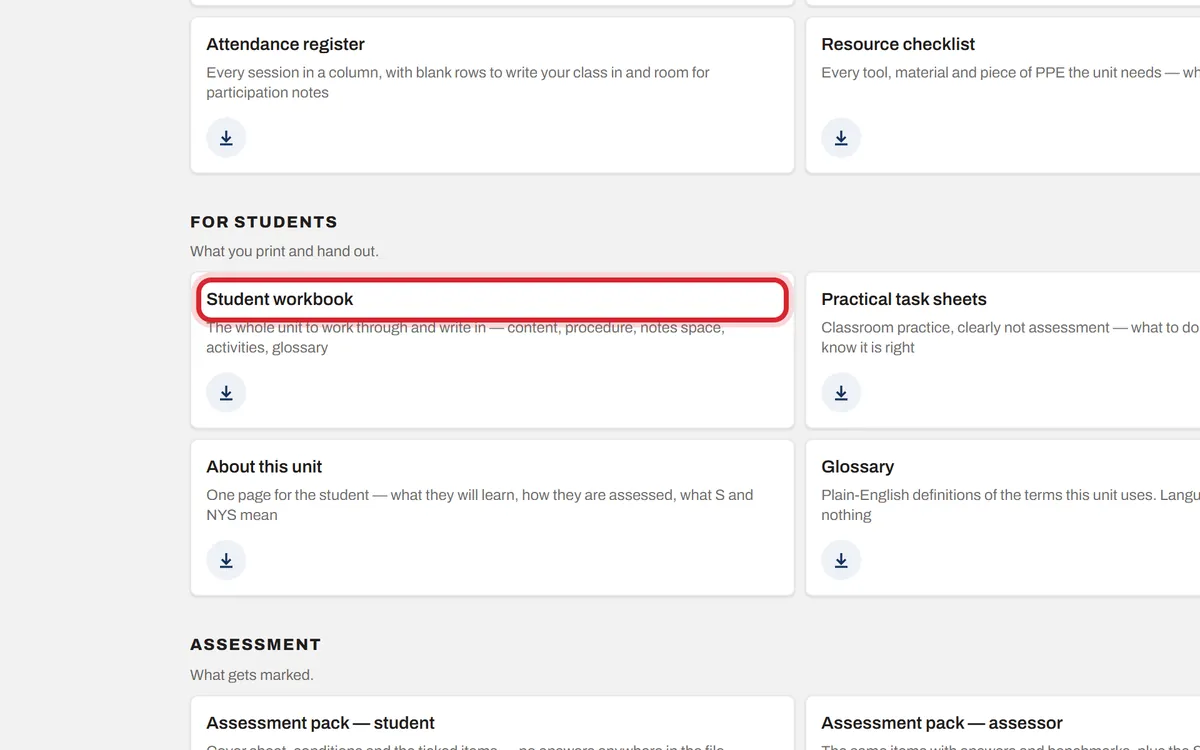
Under For students: the Student workbook and the Practical task sheets. Under Assessment: Assessment pack — student, and a Cover sheet for each submission.
Step 3: Print it
Open the file in Word, check it, then File, Print. To make a PDF, File, Save As, and choose PDF.
Step 4: Canvas, Moodle or another learning system
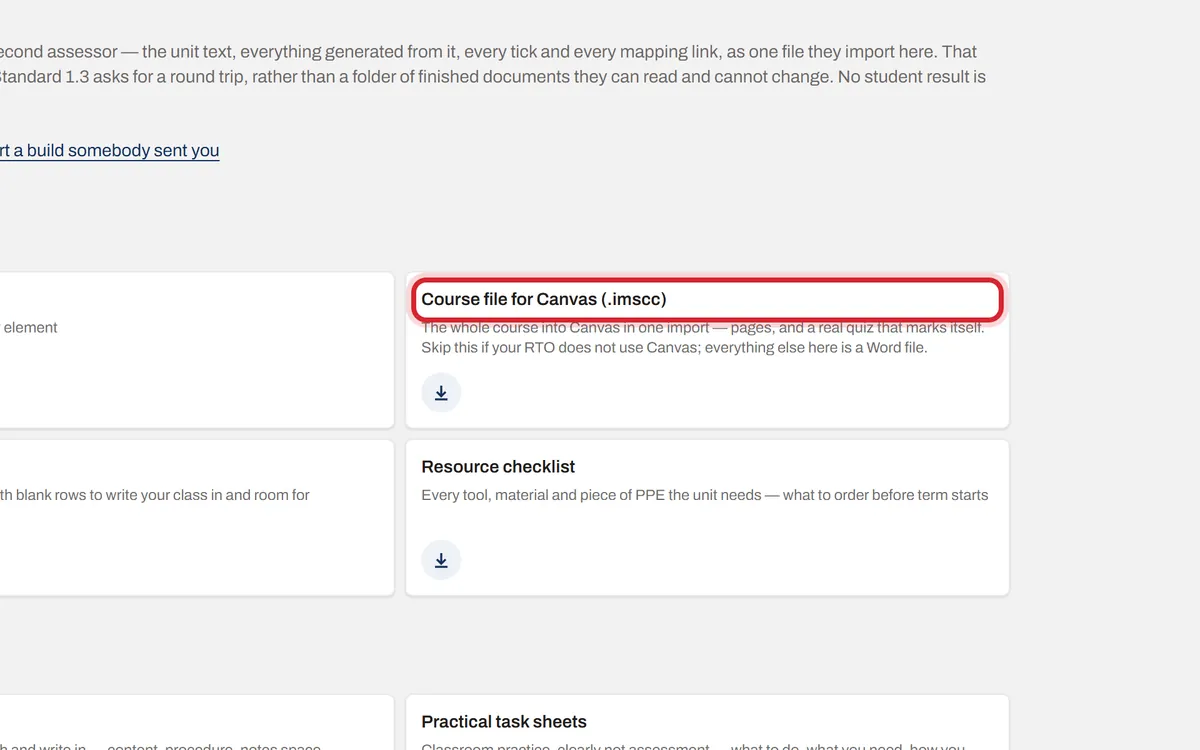
Under Teaching, Course file for Canvas downloads the whole course for Canvas in one import, with the pictures and a quiz that marks itself. For any other learning system (aXcelerate, Cloud Assess, Moodle, Totara), download the SCORM package and upload the zip as it is.