
Help
Eight short guides, in the order you build a unit. Each has the real screens with the button to press circled in red, and how long to wait.
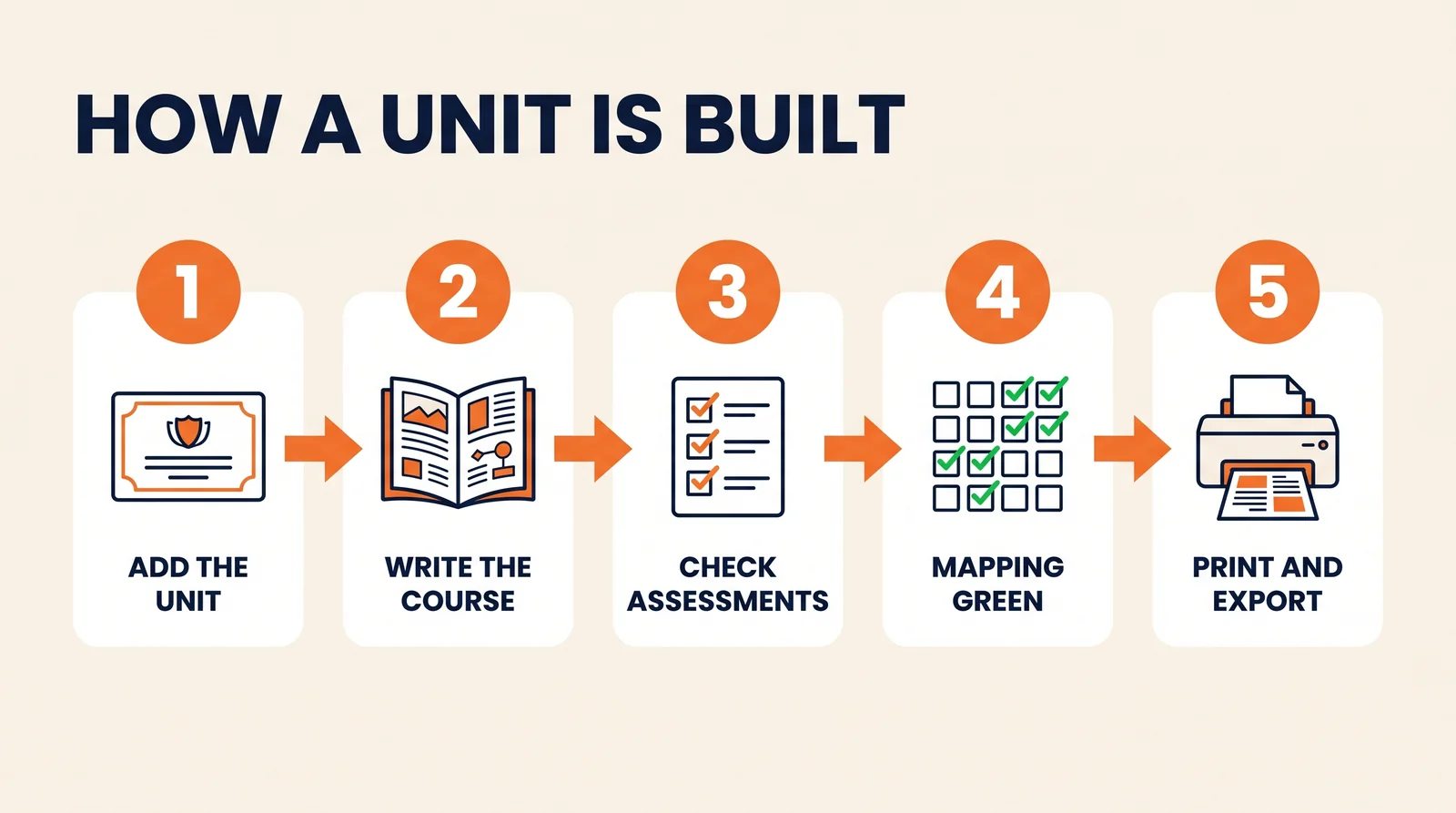
- Guide 1Find your way aroundThe menu, your units, and the nine steps every unit goes through.3 minutes to read
- Guide 2Add a unitBring a unit of competency in from training.gov.au and choose what you assess.2 minutes
- Guide 3Write the learning contentOne button writes the course, the questions and the tasks for the whole unit.4 to 6 minutes of waiting
- Guide 4Add pictures and edit the courseMake a picture for every page, change the words, add your own photos and videos.About 4 minutes for pictures, then as long as you like
- Guide 5Check the assessmentsQuizzes, short assessments, practical tasks and workplace documents.20 to 40 minutes of reading
- Guide 6Get the mapping greenCheck every criterion has an assessment behind it before you export.5 minutes
- Guide 7Your team and validationInvite trainers, give each person a role, and bring in a validator.5 minutes
- Guide 8Export and print for studentsDownload the documents, print the student copies, load the course into Canvas.5 minutes
Stuck on something these do not cover? Contact us with a screenshot and we will help.