Help · Guide 1 of 8
Find your way around
The menu, your units, and the nine steps every unit goes through.
3 minutes to read
Watch it
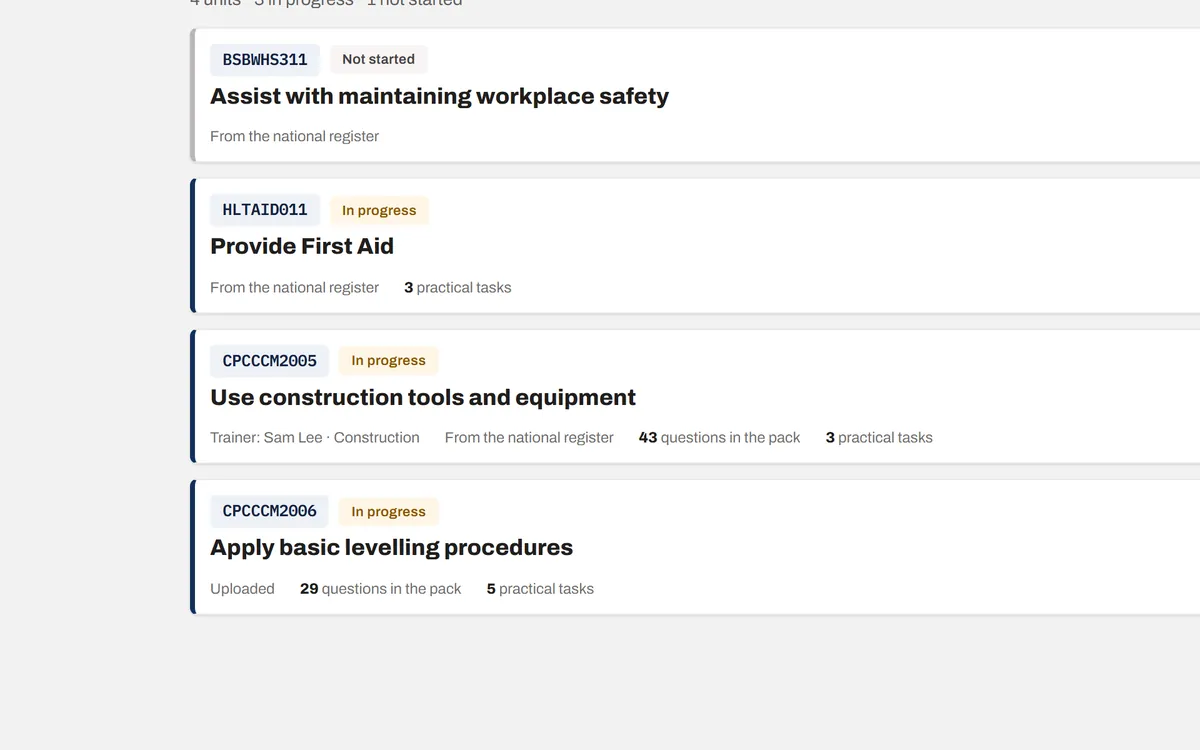
Step 1: Your units
After you sign in you land on Units. Every unit you or your team have built is listed here. Click a unit to open it.
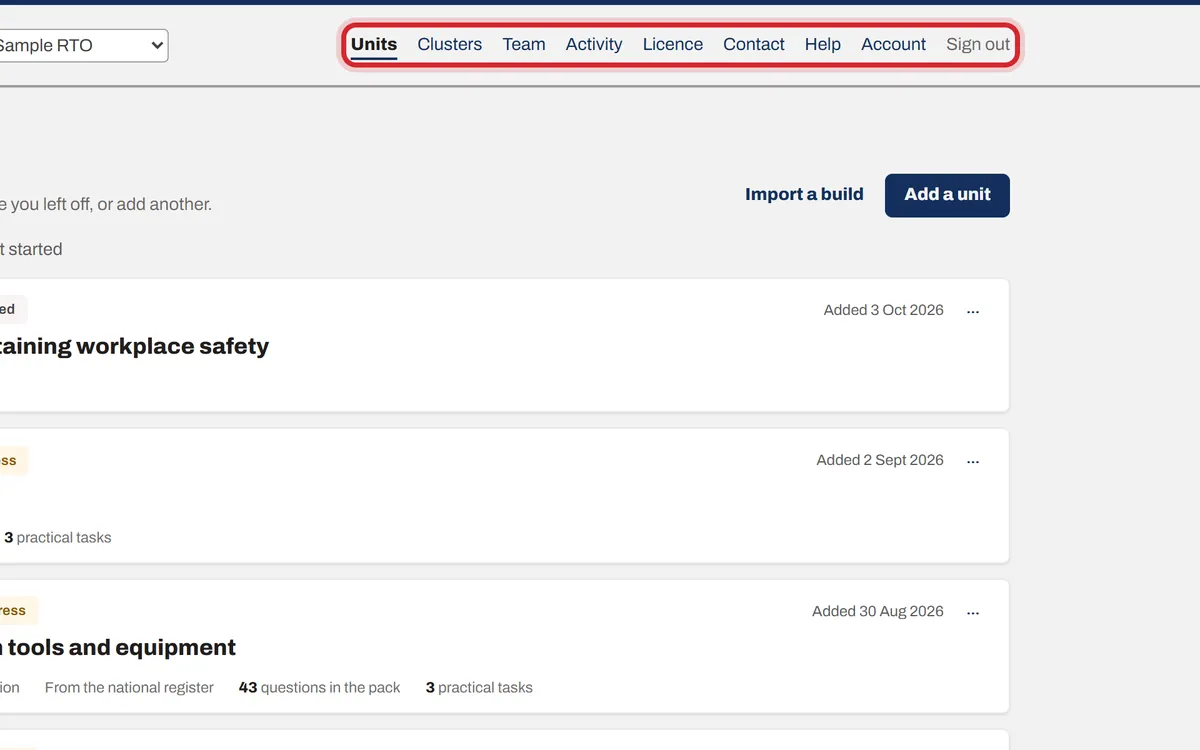
Step 2: The menu at the top
Units is your list. Team is where you invite people. Licence is your plan and billing (owners only). Account is your own login. Contact reaches us. Help brings you back here.
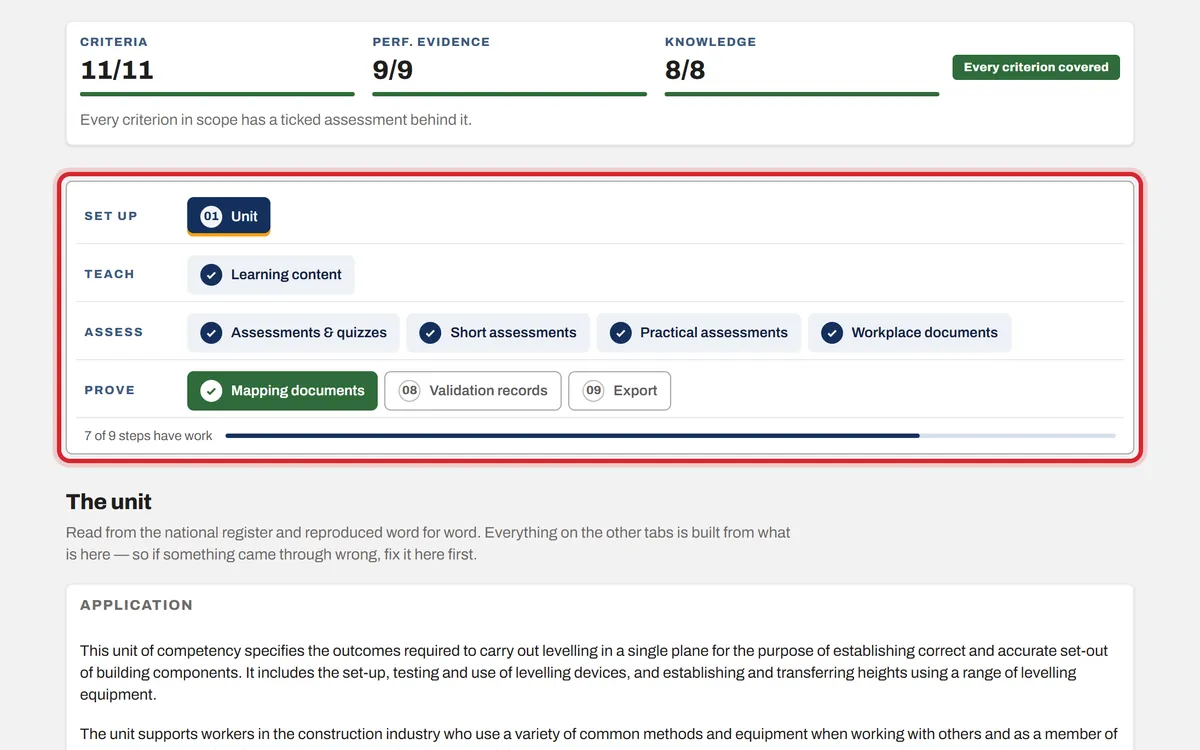
Step 3: The nine steps of a unit
Every unit has the same nine steps, in four groups: Set up, Teach, Assess and Prove. Work from left to right. A tick means the step has work in it. Mapping turns green when everything is covered and red while something is missing.
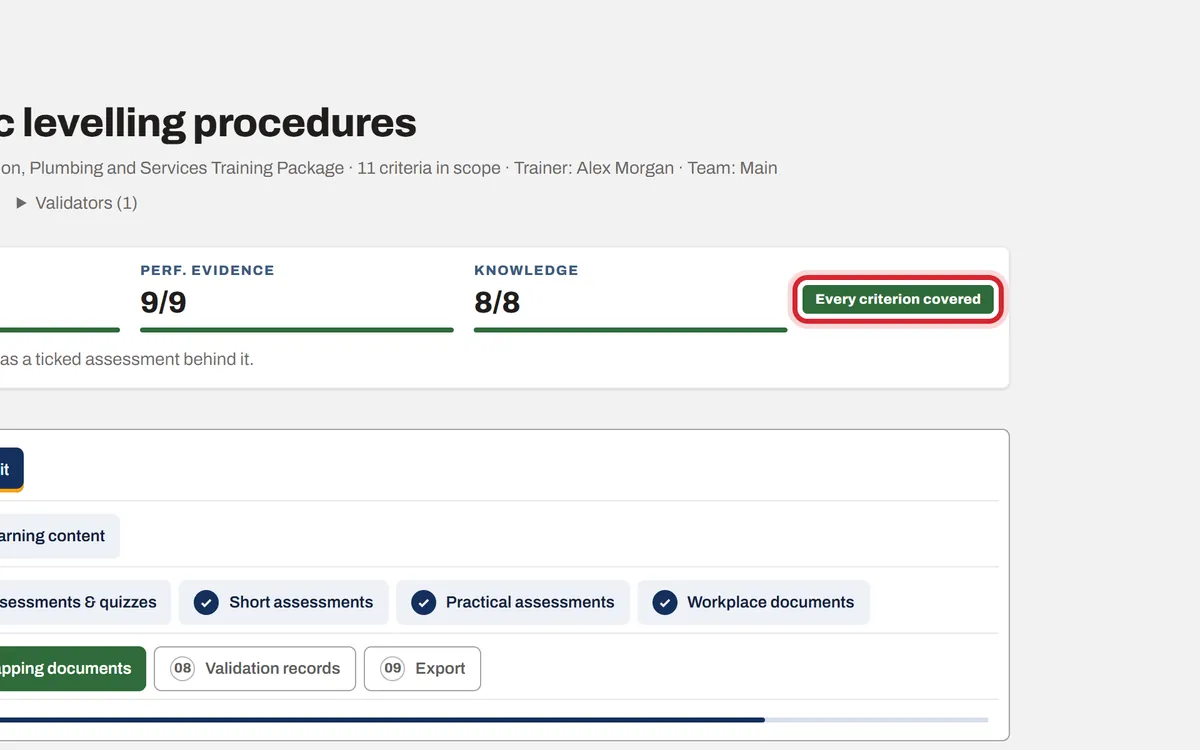
Step 4: How covered is the unit
The bar at the top counts the criteria, performance evidence and knowledge evidence that have an assessment behind them. It turns green and says "Every criterion covered" when nothing is missing, and orange until then.