Help · Guide 5 of 8
Check the assessments
Quizzes, short assessments, practical tasks and workplace documents.
20 to 40 minutes of reading
Watch it
Step 1: Assessments & quizzes
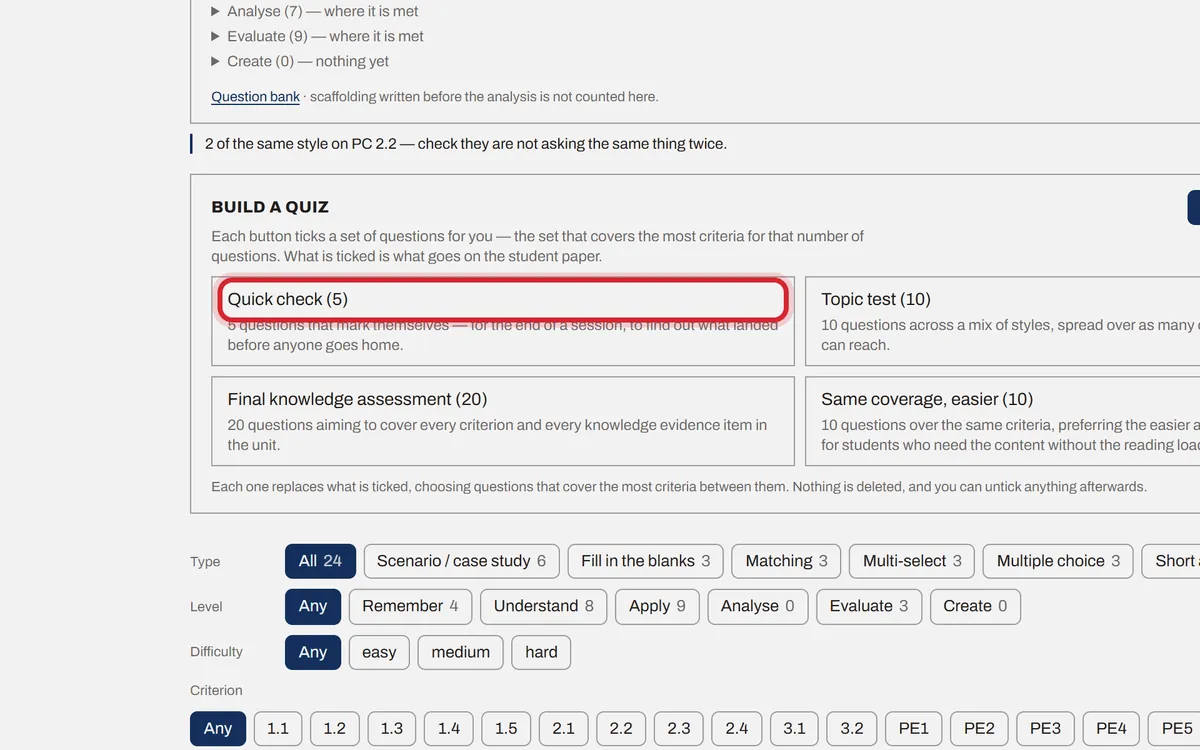
Step 03 holds the question bank. Pick a ready-made set (Quick check, Topic test, Final knowledge assessment) or tick questions yourself and press Add to the pack. Edit any question. A question marked Hard to read has a Rewrite it simpler button.
Step 2: Short assessments
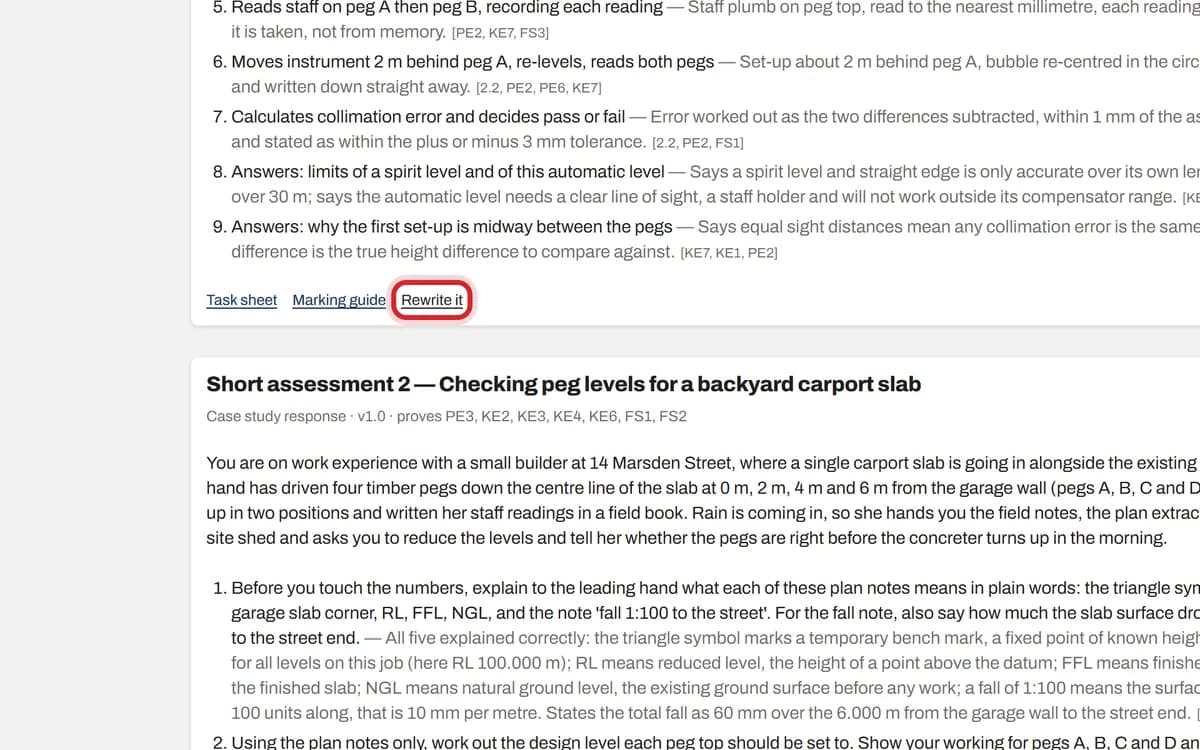
Step 04 holds short written scenarios. Read each one, then press Rewrite it or Delete, or Write it to add another.
Step 3: Practical assessments
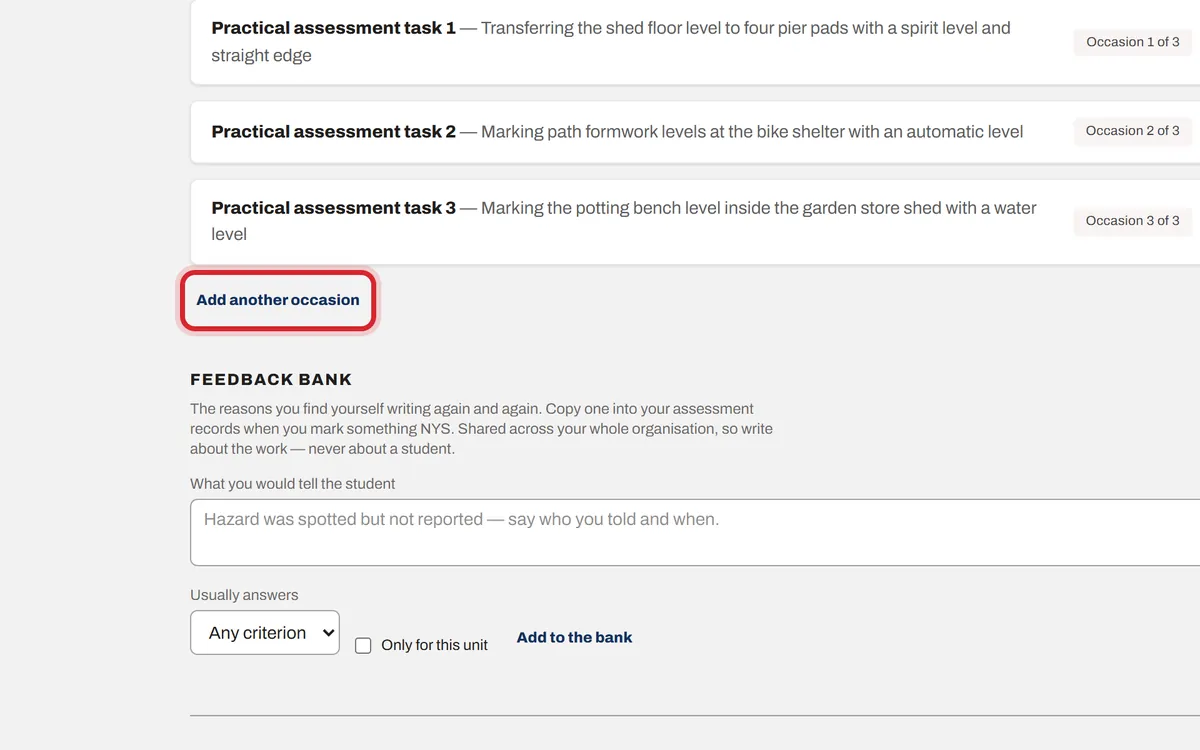
Step 05 holds the practical tasks your assessor observes, each with its marking checklist. Add another occasion if the unit needs the task done more than once.
Step 4: Workplace documents
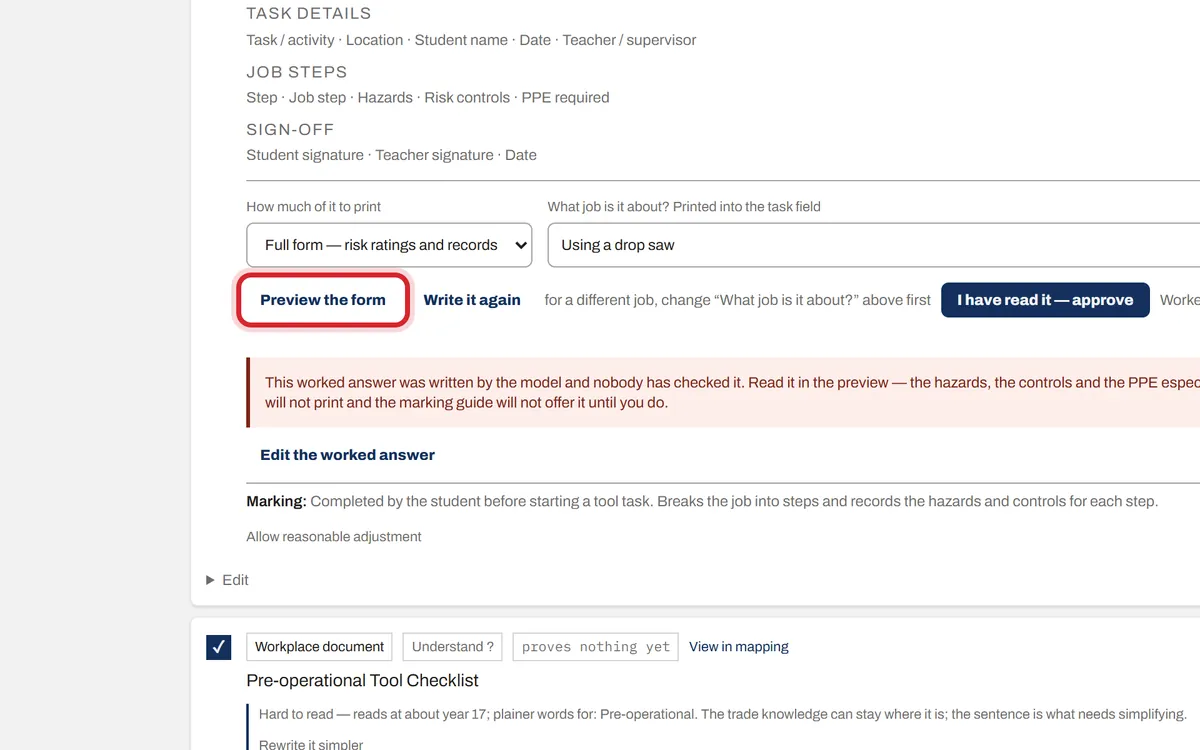
Step 06 holds the forms a worker fills in on the job, such as a Job Safety Analysis. Press Preview the form to see it. Press Write the worked answer for a filled-in example, read it, then press I have read it — approve.