Help · Guide 3 of 8
Write the learning content
One button writes the course, the questions and the tasks for the whole unit.
4 to 6 minutes of waiting
Watch it
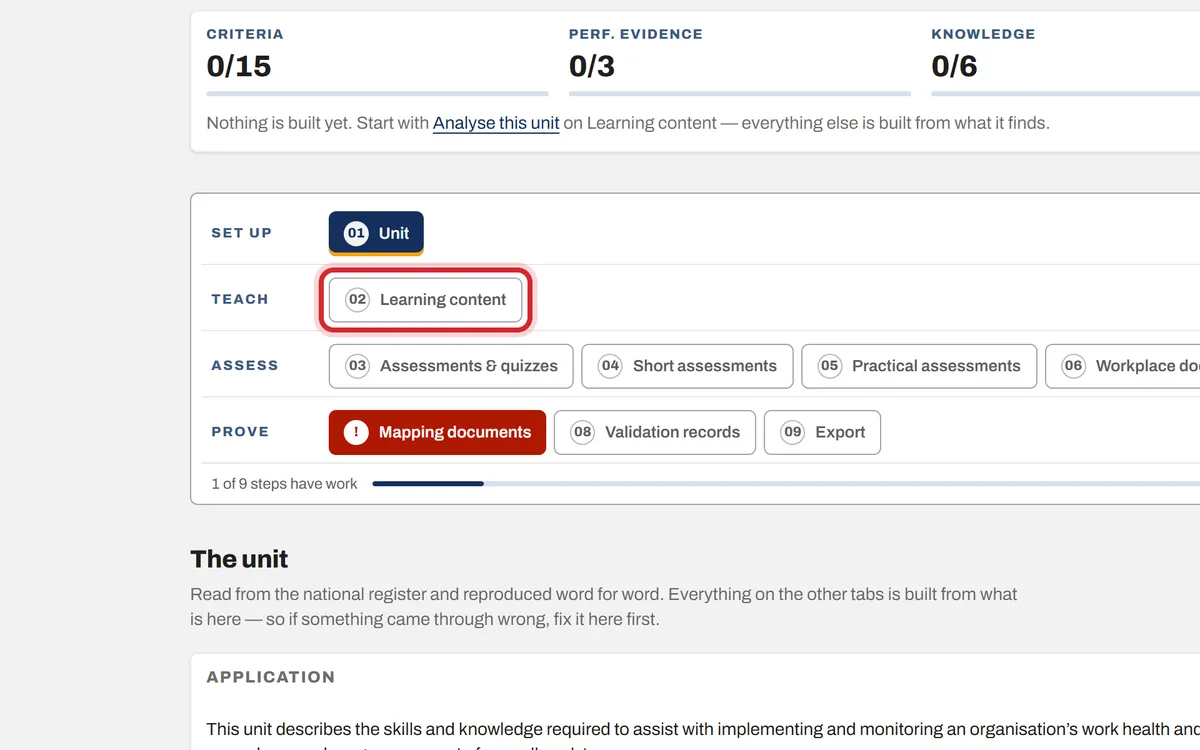
Step 1: Open Learning content
On the unit, press step 02, Learning content.
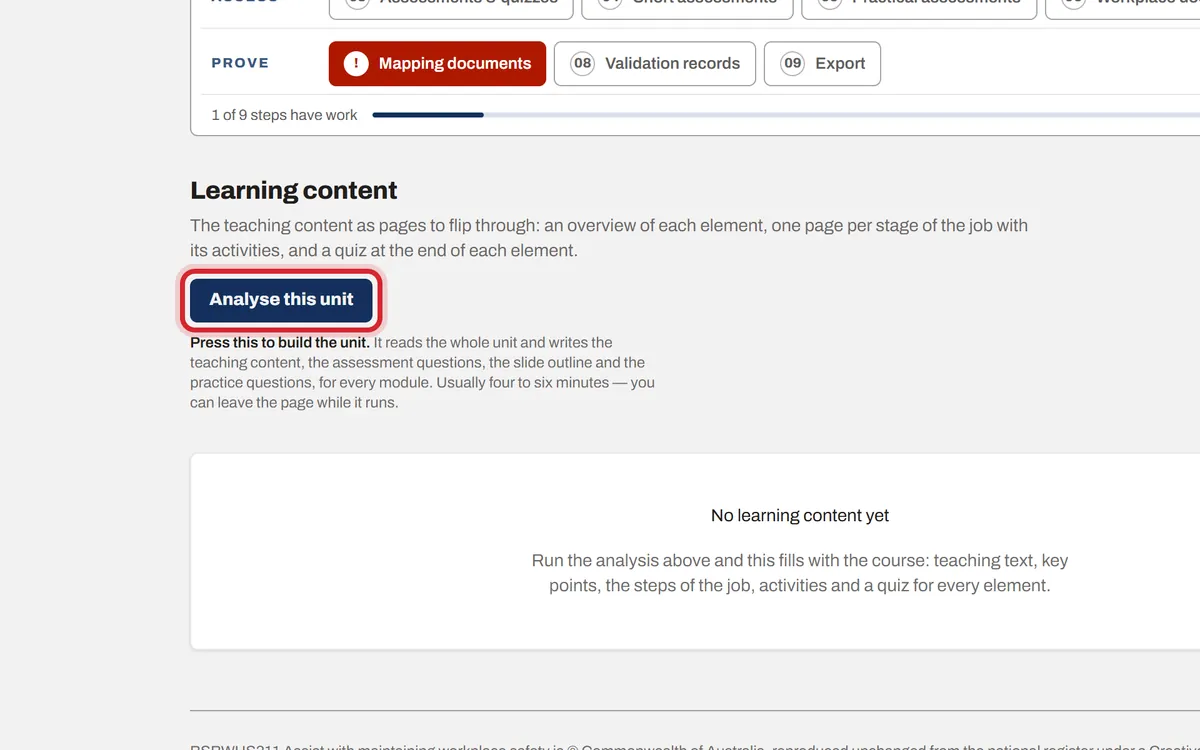
Step 2: Press Analyse this unit
Press Analyse this unit. It reads the unit and writes the course pages, the activities, the quiz questions and the practical tasks.
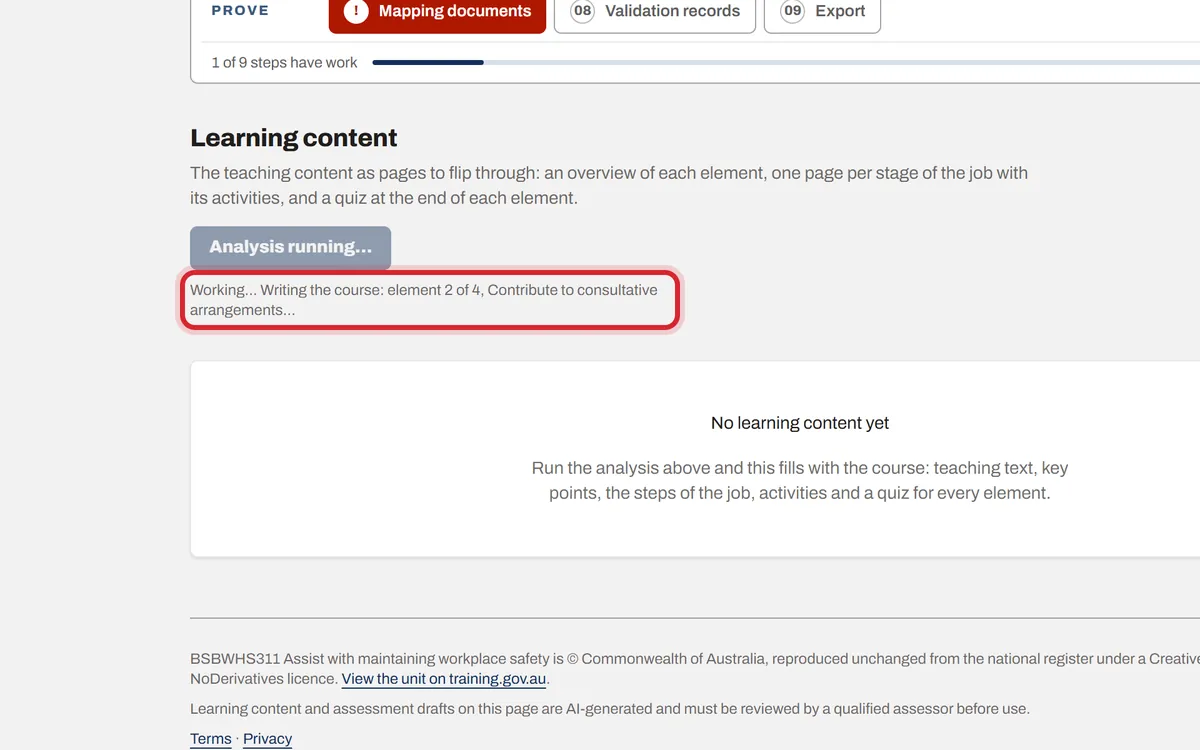
Step 3: Wait while it writes
A progress line shows what it is doing. You can leave the page and work on something else; it keeps going and the page catches up when you come back.
Step 4: The course is ready
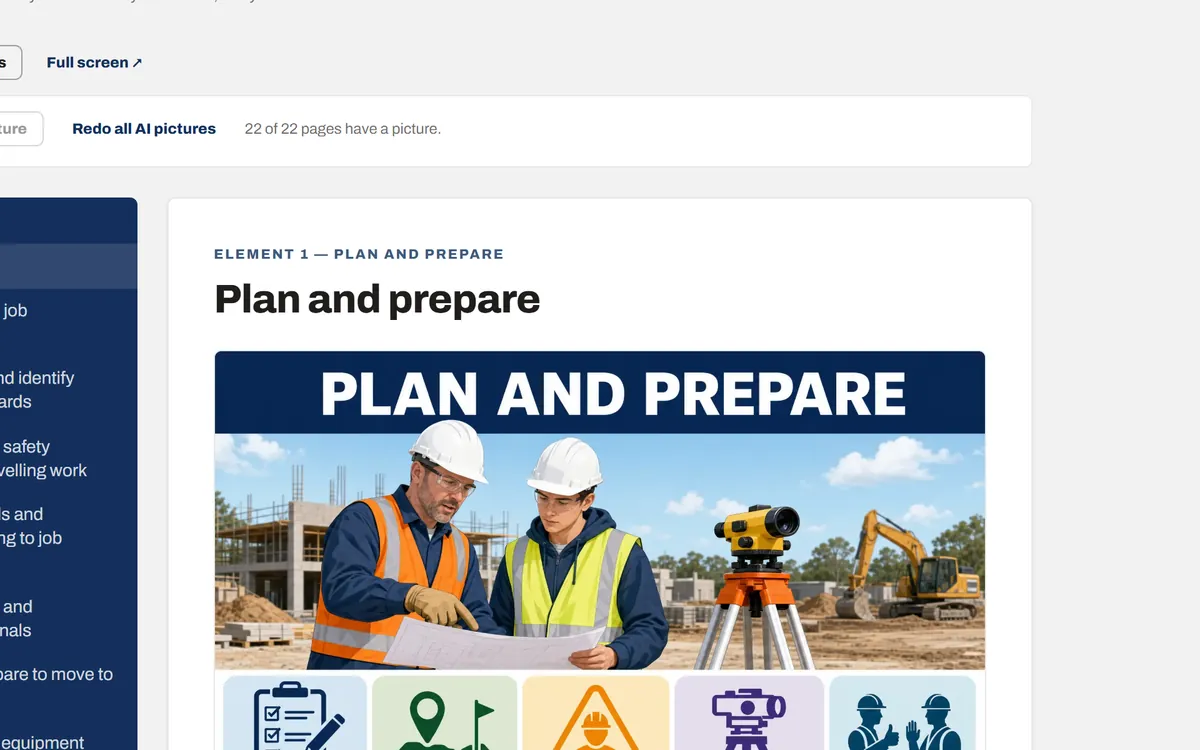
When it finishes, the learning content appears as pages to flip through: an overview of each element, a page for each stage of the job, and a quick check at the end. Read it through before anyone else does.